You can learn how to apply artistic effects to PowerPoint presentations and make high quality PowerPoint slides using nice and original effects for Microsoft PowerPoint.
To make a rather drab presentation interesting, it is important that you make use of different slide designs and layouts. While there are many PowerPoint templates with ready-made slides and organized layouts for making comprehensive presentations, you can also insert slides from single slide templates to your existing presentation.
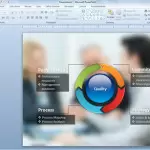
Getting the audience attention is one of the most important things to do in any presentation. There are several ways to get the audience attention but here we will explore other simple ways to embed diagrams and charts above photos to make a more realistic and stunning slide design. First, we will use a simple …
You can apply a blur effect in PowerPoint using the artistic effects gallery. If you have a picture that you want to apply a blur effect, then select the picture in PowerPoint and then go to Format menu. Now look for Artistic Effects and choose the blur style. Here we will try to show you …
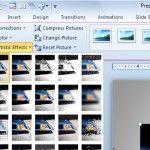
PowerPoint 2010 comes with a full set of styles and effects that you can apply to images and graphics in Power Point. This feature is called Artistic Effects and it is different than the Picture Effects in the sense that you can apply effects directly into the image. In order to apply artistic effects into …
Advertisement
The Latest FPPT Templates Delivered To Your Inbox
We will send you our curated collections to your email weekly. No spam, promise!