
Free Embedding Maps in PowerPoint
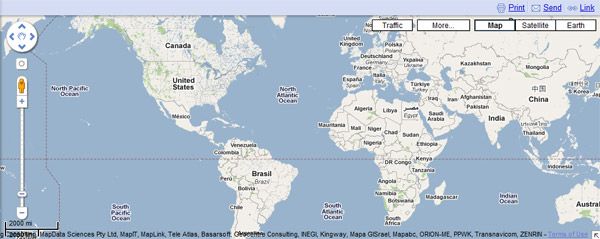
Using Maps is a good idea to display locations, positions and sometimes when you are doing a PowerPoint presentation you need to show your attendants where some points is located in a map. Inserting Maps to PowerPoint slides is very easy. You can use either Google Maps or Microsoft Maps that both are free services and widely adopted.
Why you should use a Map in PowerPoint?
Using maps in PowerPoint is a good idea if you:
- Need to show a geographic point in a slide
- Show the location of offices or stores in a slide
- Show routes or transportation paths in a slide
- Show demographics stats
- Show correspondence between cities or towns related to your presentation
- Explain where certain locations are affected by climate changes
- Show a worldwide presence of your business to your audience
- Etc.
Inserting a Map in a Slide
There are many different ways to insert a map into PowerPoint slide. For example, if you want to insert a map into PowerPoint slide easily, you can just look a certain location at maps.google.com and then get a screenshot with PrintScreen key. Then, paste the screenshot in your PowerPoint Slide and that’s all. However we encourage you to put the browser in Full Screen mode if you want to do it without removing the remain text in the page. That is maybe the easier way to achieve it.
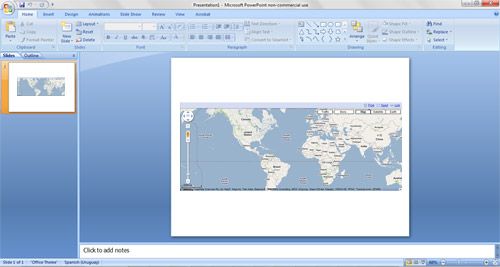
There are other more advanced techniques that you can use to create professional maps in PowerPoint.
- As suggested by Microsoft site, you can use Visio to embed maps from existing clipart or vectors.
- Another possibility is that you create your own maps using Illustrator or Photoshop. Once you create or open a map in Photoshop or Illustrator you can save it as an image and then insert it in PowerPoint same as inserting any other image.