
How to Draw a Circle or Oval in PowerPoint 2010
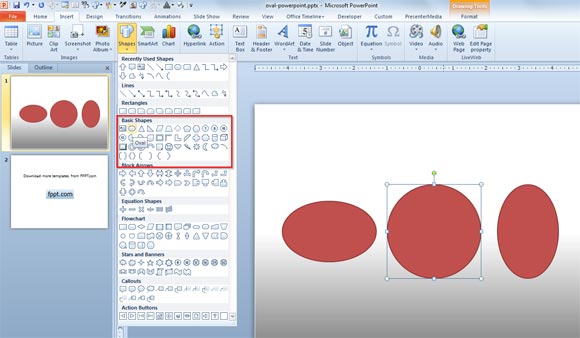
It is easy to draw a circle shape or oval in Microsoft PowerPoint using the shape feature. First you need to open PowerPoint and then choose Insert menu in the ribbon. Here you can find the Shapes menu and there you need to click on Shapes and then choose Circle or Oval shape.
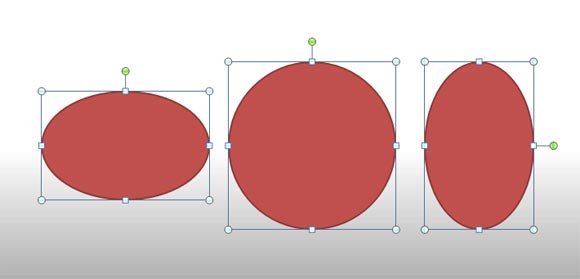
If you hold the SHIFT click while drawing the shape then a circle with proportional diameter will be drawn. If you don’t press SHIFT key then you can freely draw an oval instead. This article explained how to design and draw a simple oval shape template in PowerPoint so you can use it in your presentations.
Related:
- Drawing a semi-circle in PowerPoint 2010
- Format 3D Sphere in PowerPoint
- 3D Geometric Shapes template for PowerPoint
You can download free oval PowerPoint templates or learn how to use shapes to make awesome PowerPoint graphics.