
Free How to add a Flash movie into PowerPoint
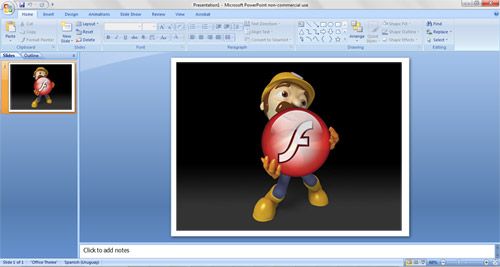
To Add a Flash movie into PowerPoint, follow these simple steps. This step by step article describes how to add a Macromedia Shockwave Flash content to a slide to play a Flash file during a slide show. The Flash file plays automatically without any user interaction and useful for free flash powerpoint templates.
- Open your presentation.
- Open the ActiveX Control Toolbar by Select View > Toolbars > Control Toolbox.
- Click the “Other controls” icon.
- A scrolling menu will now appear. Scroll down and choose “Shockwave Flash Object”.
- After selecting “Shockwave Flash Object”, your cursor will change to a crosshair.
- Move the crosshair over the slide. Click and drag to define the area the Flash movie will play in.
- The Flash movie can start as much of the screen as you want.
- Right click the box and choose “Properties”.
- Click on Custom” and then click on the (…) button.
- It will open “Property Pages”. Enter the path or URL of the .SWF file that you want to use.
- Click OK in the “Property Pages” window, then save your presentation.
- Run the presentation in Presentation view.
After you follow these steps you can enjoy your Flash content inside a PowerPoint presentation. This easy method allows you to add Flash content to a slide in PowerPoint. Next time you want to review to this article you can just refer to Flash PowerPoint.
Advertisement